

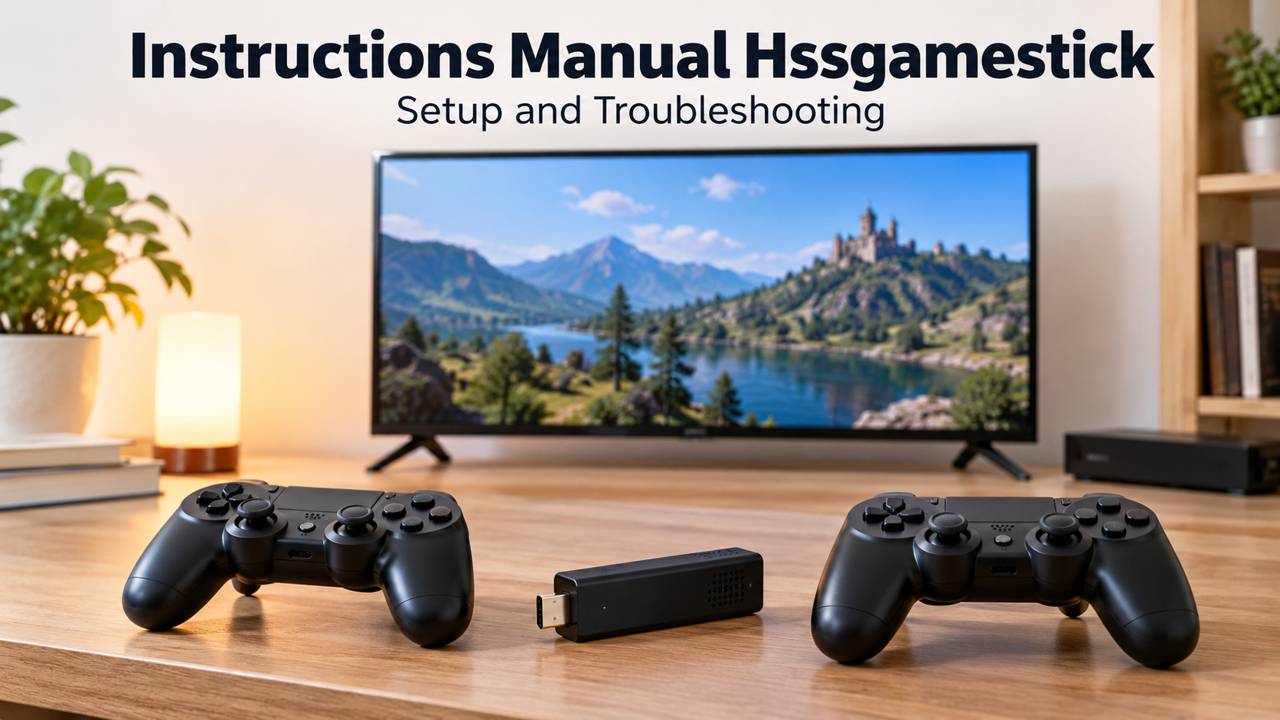
Instructions Manual Hssgamestick can lead to broad tutorials, but troubleshooting requires the exact model and software revision. Our research on 26 October 2026 did not authenticate one manual covering every device sold under the name. Treat this as a diagnostic framework, not a substitute for the supplied instructions. Record the label, power specification and visible software before changing anything, and use only recovery or firmware procedures explicitly matched to the hardware in front of you.
Establish a known starting point
Write down the symptom in observable terms. No signal on the television, a frozen menu and a controller that fails only inside one game are different problems. Record whether the unit ever worked and what happened immediately before the fault. If you changed a setting, note which one. This basic history prevents a working component being repeatedly replaced while the actual cause remains untouched.
Identify the power supply and accessories actually in use. Compare them with the label and supplied documentation. Do not infer the requirement from a similar stick on a shopping page. Hardware revisions can differ even when cases look alike. Our research found a general HSS-branded article discussing adjustments, but that does not validate its instructions for every revision or establish a universal key combination for resetting one.
No picture: check the connection layer
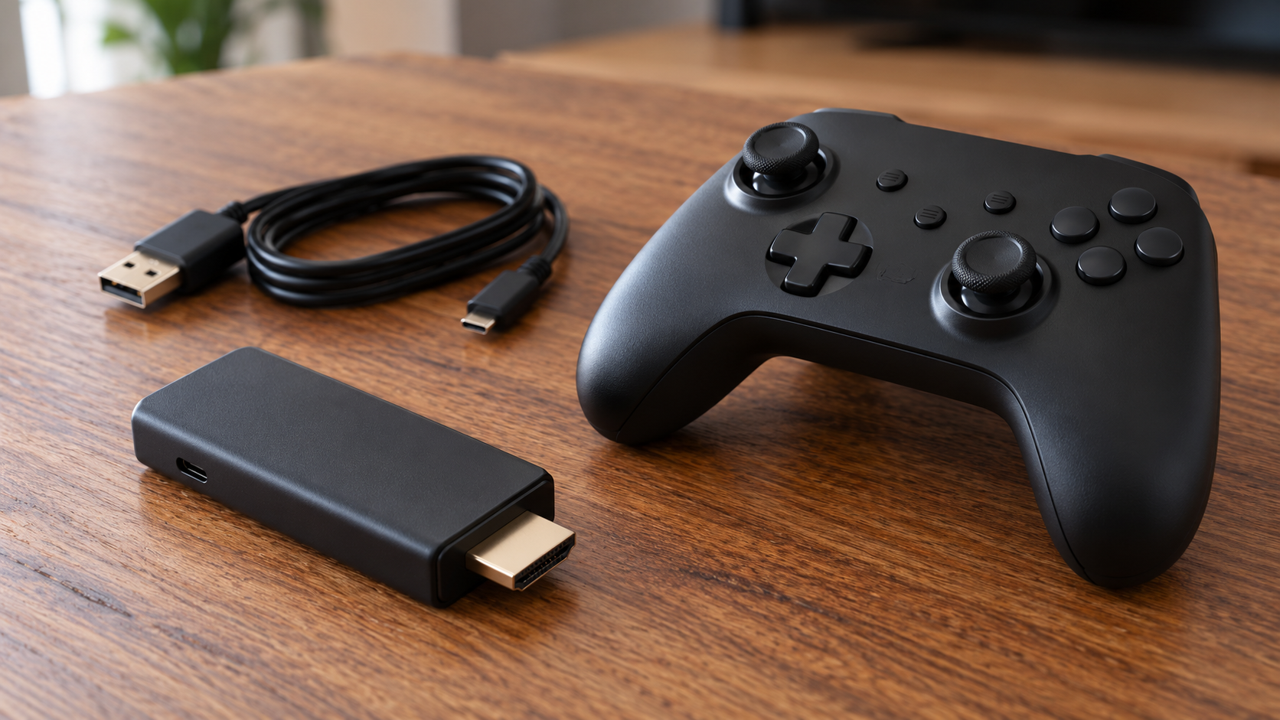
Confirm the television input corresponds to the socket used. Inspect the HDMI connection and the required separate power connection, following the manufacturer's specified source. Avoid forcing connectors or bending the stick against the television. Where the manual permits an extension, use a suitable one. A connection problem should be investigated before changing emulator settings that have no opportunity to affect a missing video signal.
If permitted and practical, test another compatible input or display while keeping other variables stable. Note whether the television detects a signal at all. If the fault began after a resolution change, consult the model's documented recovery method. Do not invent a blind menu sequence. Without a visible picture, random button presses can change unrelated settings and make it harder to return to the last working configuration.
Picture but no sound: isolate the output path
Check volume, mute and the television's selected sound output. A connected soundbar or receiver may change where audio is sent. Test the television with another known source if appropriate. Then compare the stick's menu audio with audio inside a game. The distinction helps identify whether the problem affects the entire output or a particular piece of content or emulation configuration.
Make one reversible change at a time. A full reset is rarely a useful first observation because it can erase evidence about the original configuration. If your device exposes audio settings, photograph them before editing and consult matching documentation. This article cannot specify a codec, menu path or output mode for every HSSGamestick variant, and it does not pretend that one generic setting will resolve all silent-output problems.
Controller failure: separate power, connection and mapping
Start with batteries or charging, the controller switch and the supplied receiver where applicable. Determine whether the connection uses a dedicated receiver, Bluetooth or a cable. A wireless appearance does not identify the protocol. Test whether input works in the main menu. If it does, the connection may be functioning even though a particular game assigns buttons differently or expects another player port.
Add controllers individually and observe their assignment. If both control the same player, inspect the available port settings rather than repeatedly pairing them at random. Preserve a working controller configuration before experimenting. If the software is confirmed to be RetroArch, official input documentation can explain its abstraction and mapping model. That is conditional guidance: the presence of a gamepad does not establish that the device runs RetroArch or exposes its standard menus.
One game fails while others work
A failure limited to one title should be recorded separately from system-wide startup problems. Note the exact game, error message and whether the failure happens at launch or during play. Do not assume that replacing firmware is necessary. Content format, a damaged file or an unsupported configuration may need investigation, but the cause should not be asserted without evidence from the device and its documentation.
Use only authorised game files and instructions appropriate to the installed emulator. Some systems require additional components with their own licensing requirements. This guide does not supply copyrighted games or unauthorised system files. If a seller advertised a particular function, give them the specific failure details and request matching support. An enormous library claim does not establish that every listed entry has been tested or is licensed for distribution.

Saving problems need careful handling
Distinguish an in-game save from a save state. They serve different purposes and may be stored separately. Before relying on either, create a small test and verify that it survives the documented exit and shutdown process. Do not assume a saved-state file remains compatible after emulator or firmware changes. Keep important progress backed up where the system provides a supported way to do so.
If RetroArch is genuinely installed, its Quick Menu documentation explains the distinction between returning to content and closing it. Vendor modifications can still affect access. Follow the actual configuration instead of assuming a shortcut from an unrelated tutorial applies. Never test a suspected load-state shortcut on the only valuable progress you have, because an incorrect choice can replace a newer session with an older state.
Treat the storage card as part of the system
A removable card may hold more than games. It can contain startup software, configuration and partitions that an ordinary computer does not understand. If prompted to format it, stop until the layout is established. Formatting can remove the system as well as content. Make an appropriate backup before authorised maintenance and use the correct shutdown process before removing storage from the device.
Firmware must match the precise hardware revision. A package labelled for a similar name is not enough. Confirm its source, compatibility and recovery instructions before considering installation. We have no authenticated universal HSSGamestick firmware or recovery image to recommend. If the original seller cannot identify the revision, that uncertainty should be resolved before a write operation potentially turns a recoverable settings problem into a non-booting system.
When to stop and request support
Stop if the device shows physical damage, an electrical problem or behaviour outside the safe operating instructions. For ordinary faults, send support the model label, supply details, display model and a concise sequence of observations. State which checks were completed and what changed. This creates a useful diagnostic record and reduces repeated advice that has already been tried or applies to different hardware.
The dependable Instructions Manual Hssgamestick method is to move from observable symptom to a controlled check, preserving the last known working state. Power, display, input, content and storage are separate layers. Investigating them in order is more effective than applying random fixes. Model-specific documentation remains essential whenever a step changes firmware, power requirements or recovery behaviour.
Documentation used for this guide
For the underlying material, consult The HSS-branded general article reviewed, Official RetroArch input documentation, where applicable, Official RetroArch Quick Menu documentation, where applicable. Product descriptions are attributed claims; illustrative photographs are not product screenshots or evidence of hands-on testing.
More reading on this website
Riproar Tech News: Verify Product and Software Claims
Betterthisfacts Information by Betterthisworld: Check Online Claims
